
How to Make Your Local Business Stand Out During the Holiday Season
How to Make Your Local Business Stand Out During the Holiday Season https://www.lodestarmg.com/wp-content/uploads/2026/11/how-to-make-your-local-business-stand-out-during-the-holiday-season-bsp-212313085-e1794003221558.jpg 900 483 Lodestar Marketing Group https://www.lodestarmg.com/wp-content/uploads/2026/11/how-to-make-your-local-business-stand-out-during-the-holiday-season-bsp-212313085-e1794003221558.jpgKey Takeaways
- Set your holiday hours on Google, Apple Maps, and Bing before the rush so customers see the same schedule everywhere.
- Keep your Google Business Profile current for holiday shoppers with fresh posts and review replies.
- AI tools draw partly on your website and listings. Ask a few about your business and fix anything they get wrong at the source.
The National Retail Federation expects retail sales in November and December to reach $1.013 trillion, up 4.2% from 2025. For local businesses, that means customers looking for where to shop and what’s open before the year ends.
What Should Be on Your Holiday Visibility Checklist?
1. Update Your Holiday Hours
If you’re closing for Thanksgiving or extending your hours for Black Friday, update your listings. Google’s Special Hours feature lets you change your hours for holidays and special events without touching your regular schedule. Set it up now so customers can see when you’re actually open.
2. Check Your Google Business Profile
Your Google Business Profile is often the first thing people see when they search for you. Make sure your address, phone number, photos, and services are current.
You can also post updates right on your profile, which is a quick way to share holiday promotions or announce closures. And with the busy season ahead, reply to recent reviews. New customers may be reading them.
3. Update Apple Maps, Bing Places, and Other Listings
Plenty of customers use Apple Maps on their iPhones or search on Bing. Apple Business (formerly Apple Business Connect) and Bing Places let you manage your listings on those platforms. Keep your details the same everywhere so customers can trust what they see.
4. Review Your Local Services Ads Settings
Service businesses often get urgent requests over the holidays. If you run Local Services Ads, update your hours for any holiday closures so customers don’t reach out when no one’s available to respond. Some weeks will be busier than others, so adjust your budget to match.
5. Ask AI Platforms About Your Business
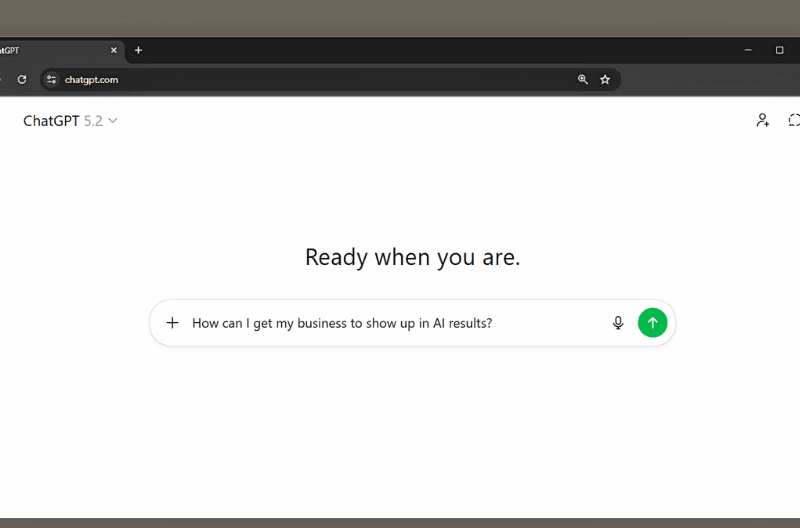
A Narvar study reported by Forbes found that 65% of consumers plan to use AI for at least one part of their holiday shopping this year. Try asking AI tools like ChatGPT or Claude about your business and see if the answers are right.
If something’s wrong, or your business doesn’t come up at all, start with your website and listings. Those are among the sources these tools draw from. If you’re finding issues, learn more about our GEO services.
How Do You Know Your Updates Are Working?
Your Google Business Profile shows calls, website clicks, and direction requests from your listing. If you run Local Services Ads, keep an eye on those leads too.
Compare the numbers to the weeks before you made changes, or to last year’s holiday season if you have that data. That will show you which updates made the biggest difference.
Is Your Business Ready for the Holidays?
Keeping your hours and listings accurate is one of the simplest ways for a local business to stand out during the holidays. If you’d like help getting ready, we’d love to hear from you, or take a look at our SEO services.